Amazon Sick Leave: Your Complete Guide to Taking Time Off When You Need It
If you work for Amazon, navigating time off policies, especially when you are sick, can feel incredibly complicated. Amazon is a massive company, and unfortunately, their paid time off (PTO) policies often vary widely depending on where you live and what role you hold.
Whether you're dealing with a sudden fever, a necessary medical appointment, or even need to care for a loved one, understanding your rights regarding Amazon Sick Leave is crucial. We're here to break down the complex rules into simple, actionable information so you can confidently take the time you need without worrying about your job status.
Understanding the Amazon Sick Leave Policy
When discussing time off at Amazon, it's vital to understand that there is no single, monolithic policy. Amazon must comply with the labor laws of the specific city, county, and state where you work. This means that an employee in California will have a very different sick leave entitlement than an employee in Texas.
Generally, sick leave is considered time off that is legally mandated and protected, specifically designated for illness, injury, or preventative care. It is distinct from general PTO or unpaid time off (UPT).
Accrual vs. Lump Sum: How You Earn Time
Your sick leave might be granted in one of two main ways, depending on where your location falls under local regulations:
- Accrual Method: This is common in many states. You earn a certain amount of sick leave hours for every hour you work (e.g., 1 hour of sick leave for every 30 hours worked). This amount slowly builds up over time.
- Lump Sum Method: Less common for sick leave, but sometimes seen for general PTO. You are granted a set number of hours at the beginning of the year, which you can use immediately.
It is absolutely essential to check the HR documentation or the A to Z app for the specific rate at which you accrue Amazon Sick Leave. This number is not consistent across the country.
The Different Types of Paid Time Off (PTO)
Amazon has several buckets of paid and unpaid time off. It is easy to confuse them, but only one is legally designated for illness (Sick Leave). Here is a quick breakdown:
- Paid Time Off (PTO): General vacation time. Can typically be used for anything, often granted as a lump sum or accrued slowly. In many states, you can choose to use PTO for illness if your dedicated sick leave runs out.
- Unpaid Time Off (UPT): Time taken off work where you are not paid. At Amazon, you typically start with a bank of UPT (usually 80 hours for full-time associates) which decreases every time you miss a shift or are late without permission.
- Vaction Time: Time accrued specifically for longer planned absences.
- Sick Leave: This is the protected time off meant explicitly for medical reasons, often mandated by state or municipal laws. This time usually does not count against your UPT balance.
Understanding which bucket you are drawing from is key to ensuring you don't accidentally drain your UPT, which can lead to termination if it hits zero or goes negative.
When and How to Use Your Amazon Sick Leave

The process of reporting an absence is streamlined but requires immediate action. Do not simply call out sick; you must officially log the time in the system.
Sick leave should be used anytime you cannot come to work due to a physical or mental health condition, or for necessary preventative care, like doctor appointments. It can also often be used to care for an immediate family member who is ill, depending on your local laws.
Reporting Your Absence: The A to Z App
The A to Z app is your central hub for all time-off management. If you feel ill and cannot attend your shift, follow these steps immediately:
- Notify Management: Log into the A to Z app as soon as possible, ideally before your shift begins.
- Select "Report Absence": Choose the specific date(s) you need off.
- Specify Reason: Select the appropriate reason for your absence (e.g., Illness/Injury).
- Select Time Type: You will be prompted to choose the type of time you want to use. Make sure you select "Sick Leave" if you have hours available. If you do not have sufficient sick leave hours, the system may default to using PTO or UPT.
- Confirmation: Confirm the request. You should receive a confirmation notice that your absence has been recorded.
Using the A to Z app ensures that your manager and Human Resources are automatically notified, which is the official way to apply your Amazon Sick Leave time.
Do I Need a Doctor's Note?
For short, occasional absences—such as a single day of the flu—Amazon generally does not require a doctor's note, especially if you have sufficient accrued sick leave. However, the requirement changes based on duration.
If you miss three consecutive scheduled shifts, Amazon's policy usually requires that you provide medical documentation to verify your absence. If you fail to provide adequate documentation, the time may be converted to Unpaid Time Off (UPT) or even result in disciplinary action.
Always communicate openly with your site HR team if your illness requires multiple days off. They can guide you through the medical documentation process to protect your job.
Protecting Yourself: Key Considerations for Amazon Employees
Taking time off, especially for unexpected health crises, can be stressful. But remember, you have rights, and Amazon is required to adhere to federal and local regulations.
State and Local Laws Override (Important!)
This cannot be emphasized enough: if your local government mandates a higher minimum sick leave accrual or allows sick leave to be used for more purposes (like school closures or domestic violence relief), that law takes precedence over any general Amazon corporate policy. Your Amazon Sick Leave is a right granted by law.
If you feel your local HR team is denying you time you believe you are legally owed, consult your state's Department of Labor or a legal aid service specializing in employment law.
Extended Leave and Medical Accommodation (LOA/FMLA)
What if your illness requires more than just a few days? If you need an extended break, you will likely need to apply for a Leave of Absence (LOA).
Types of Extended Leave:
- FMLA (Family and Medical Leave Act): If you meet the eligibility requirements (worked 1,250 hours in the past 12 months, and Amazon has 50+ employees within 75 miles), FMLA provides up to 12 weeks of unpaid, job-protected leave for serious health conditions or caring for a seriously ill family member.
- Disability Leave: For non-work-related injuries or illnesses that prevent you from working, short-term disability may apply. This usually requires a formal claim through Amazon's third-party benefits administrator.
Applying for an LOA is a detailed process that must be started via the A to Z app or by contacting the Disability and Leave Services (DLS) team. Don't wait until the last minute if you anticipate needing an extended absence.
Conclusion
Navigating Amazon Sick Leave policies requires diligence and proactive communication. Remember that your specific entitlements are highly dependent on the state and city in which you work, so always cross-reference the A to Z app with your local labor laws.
By reporting absences immediately through the A to Z app, being prepared with medical documentation for longer absences, and understanding the difference between sick leave, PTO, and UPT, you can ensure that you are protecting both your health and your employment status at Amazon.
Frequently Asked Questions (FAQ) About Amazon Sick Leave
- Can I cash out my Amazon Sick Leave if I quit?
- In many locations, no. Unlike general PTO which is often paid out upon separation (depending on the state), legally mandated sick leave is typically "use it or lose it" and cannot be cashed out.
- Does using sick leave count against my UPT?
- No. Sick leave is protected and should not impact your Unpaid Time Off (UPT) balance. However, if you run out of sick leave and use general PTO or simply fail to show up without applying time, it will likely count against your UPT.
- How do I know how many sick leave hours I have?
- Your current balance of all time off types, including Amazon Sick Leave, PTO, and UPT, is always viewable on the main screen of the A to Z app. Always check this before requesting time off.
- Can Amazon deny my sick leave request?
- If you have the accrued hours available and are using them for a protected reason (like your own illness), Amazon cannot legally deny the time off. They may deny the use of General PTO or Vacation time if operational needs conflict, but statutory sick leave is protected.
Amazon Sick Leave
Amazon Sick Leave Wallpapers
Collection of amazon sick leave wallpapers for your desktop and mobile devices.

Captivating Amazon Sick Leave Landscape Illustration
A captivating amazon sick leave scene that brings tranquility and beauty to any device.

Vivid Amazon Sick Leave Artwork for Your Screen
Transform your screen with this vivid amazon sick leave artwork, a true masterpiece of digital design.

Beautiful Amazon Sick Leave Artwork Digital Art
Experience the crisp clarity of this stunning amazon sick leave image, available in high resolution for all your screens.

Stunning Amazon Sick Leave Abstract for Mobile
This gorgeous amazon sick leave photo offers a breathtaking view, making it a perfect choice for your next wallpaper.

Breathtaking Amazon Sick Leave Capture for Desktop
Experience the crisp clarity of this stunning amazon sick leave image, available in high resolution for all your screens.

Exquisite Amazon Sick Leave Image Concept
A captivating amazon sick leave scene that brings tranquility and beauty to any device.
High-Quality Amazon Sick Leave Wallpaper for Desktop
Experience the crisp clarity of this stunning amazon sick leave image, available in high resolution for all your screens.

Lush Amazon Sick Leave Capture in HD
Find inspiration with this unique amazon sick leave illustration, crafted to provide a fresh look for your background.

Exquisite Amazon Sick Leave Moment Art
This gorgeous amazon sick leave photo offers a breathtaking view, making it a perfect choice for your next wallpaper.

Lush Amazon Sick Leave Scene Collection
Find inspiration with this unique amazon sick leave illustration, crafted to provide a fresh look for your background.
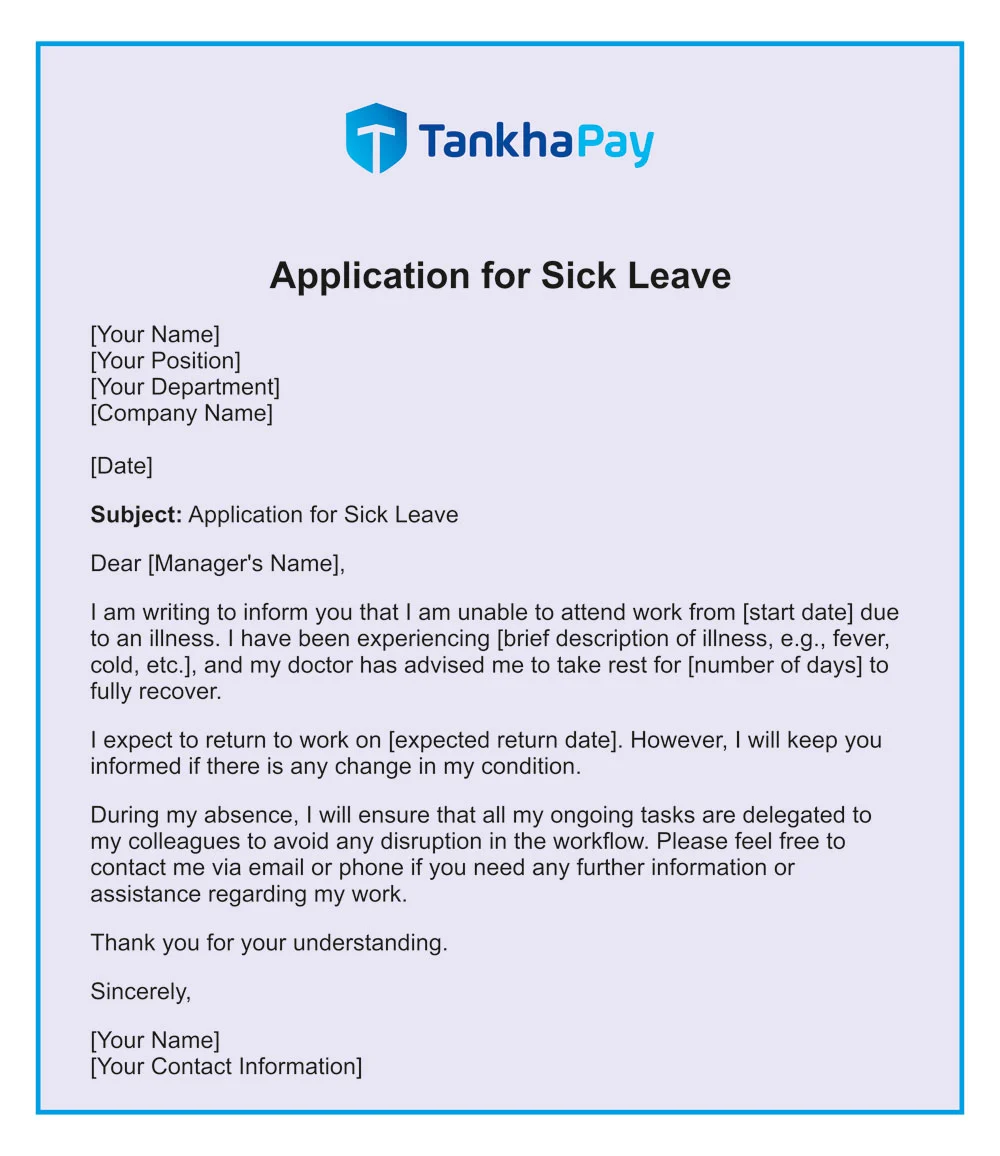
Amazing Amazon Sick Leave Scene Concept
Discover an amazing amazon sick leave background image, ideal for personalizing your devices with vibrant colors and intricate designs.
Serene Amazon Sick Leave Capture Collection
Explore this high-quality amazon sick leave image, perfect for enhancing your desktop or mobile wallpaper.

Crisp Amazon Sick Leave Wallpaper Collection
This gorgeous amazon sick leave photo offers a breathtaking view, making it a perfect choice for your next wallpaper.

Amazing Amazon Sick Leave Capture Collection
Experience the crisp clarity of this stunning amazon sick leave image, available in high resolution for all your screens.

Stunning Amazon Sick Leave View for Desktop
A captivating amazon sick leave scene that brings tranquility and beauty to any device.

Lush Amazon Sick Leave Artwork Art
Find inspiration with this unique amazon sick leave illustration, crafted to provide a fresh look for your background.
Gorgeous Amazon Sick Leave Scene Art
Immerse yourself in the stunning details of this beautiful amazon sick leave wallpaper, designed for a captivating visual experience.
High-Quality Amazon Sick Leave Capture Collection
Experience the crisp clarity of this stunning amazon sick leave image, available in high resolution for all your screens.

Captivating Amazon Sick Leave Image in HD
Immerse yourself in the stunning details of this beautiful amazon sick leave wallpaper, designed for a captivating visual experience.

Detailed Amazon Sick Leave View Illustration
Discover an amazing amazon sick leave background image, ideal for personalizing your devices with vibrant colors and intricate designs.
Download these amazon sick leave wallpapers for free and use them on your desktop or mobile devices.